If you opened Gmail on the morning of 18 May 2026 and something felt different — not broken, just different — you were not imagining things. Google had, without fanfare or a press release, begun rolling out the most sweeping visual makeover of its productivity suite since 2020. By the time most users noticed, the change was already live across Gmail, Google Drive, Docs, Sheets, Slides, Calendar, Meet, Chat, Keep, Forms, and Tasks — the full constellation of tools that millions of people, from Delhi to Mumbai to Bengaluru, depend on every single working day.
The Icons You Knew Are Gone
For nearly six years, Google Workspace wore a familiar face: bold, flat, primary-colour icons that were easy to recognise, if occasionally hard to tell apart. That visual vocabulary is now history.
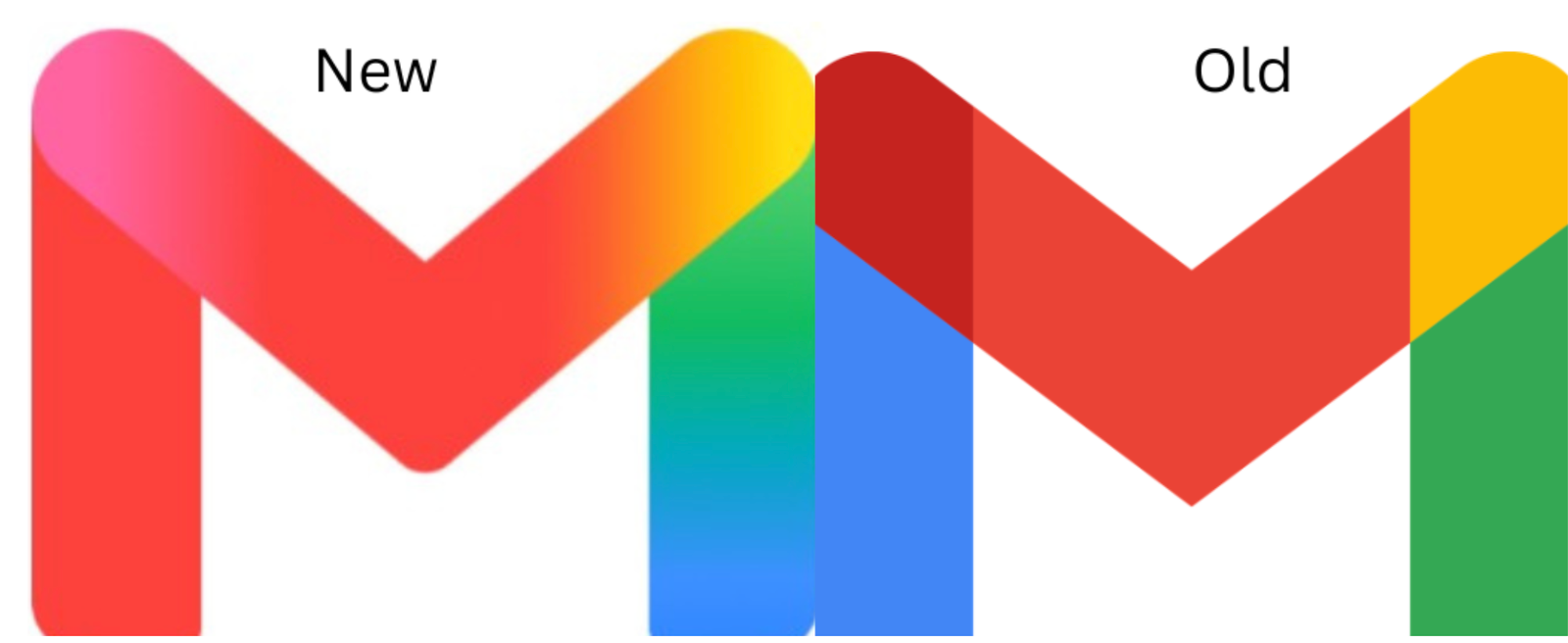
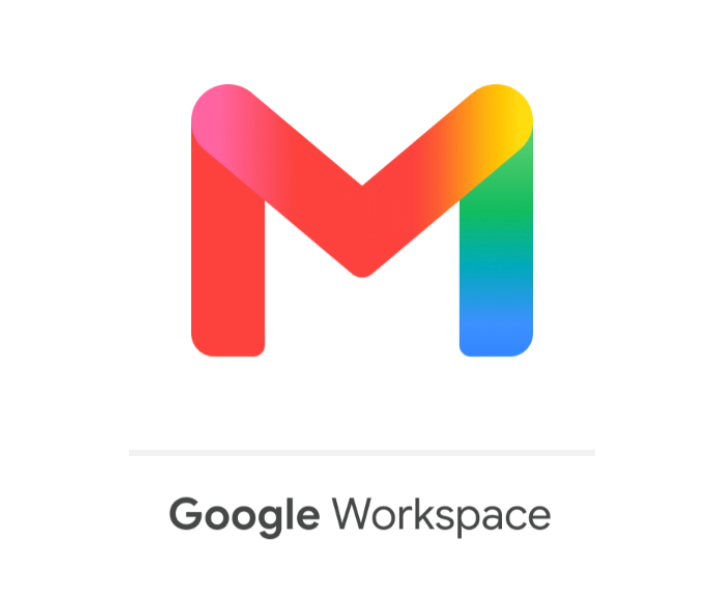
The new icons trade hard edges and solid colour blocks for something considerably softer — fluid gradients that blend and bleed into one another, giving each icon a translucent, almost watercolour quality. The Gmail envelope, with its distinctive “M” shape, survives the transition intact. But the four neatly separated quadrants of red, white, yellow, and blue that defined it have melted together into a seamless gradient that feels noticeably more contemporary.
Design watchers have pointed out that the overhaul solves a complaint that dogged the previous icon set for years: the apps simply looked too similar to one another. The new designs address this through more deliberate shape differentiation and distinct colour palettes for each tool, making it easier to spot the icon you need at a glance, especially on cluttered mobile home screens.
This Is Not Just a Cosmetic Change
It would be a mistake to read this redesign as Google tidying up its visual housekeeping. The timing, the scope, and the language the company has previously used around this kind of shift all point to something more deliberate.
Roughly a year before this rollout, Google quietly updated the gradient treatment on its core “G” logo, framing that change explicitly in the context of artificial intelligence integration. The same design language then migrated to Google Home, Photos, Maps, and Gemini. The extension of that visual identity to every Workspace tool suggests Google is trying to stitch its entire ecosystem into a single, coherent AI-era brand.
The timing reinforced that reading. The redesign landed just days before Google I/O 2026, the company’s flagship developer conference, where Gemini AI took centre stage. Rolling out a unified visual identity immediately before that event was almost certainly not a coincidence.
What Still Needs Answering
For a change this visible, Google has been conspicuously quiet. No announcement accompanied the rollout. No blog post explained the thinking. Users who noticed the change largely found out through tech publications rather than from Google itself.
Several practical questions remain unanswered. It is not yet clear how the new gradient icons will behave as favicons — the tiny thumbnails that appear in browser tabs — where detail tends to collapse. Dark mode compatibility is another open question, since gradient designs can become muddy or lose contrast against dark backgrounds, a display challenge that flat icons sidestep entirely. Perhaps most notably, Google has given no indication of whether users will have the option to revert to the old icons if they prefer them.
Why It Matters Beyond Aesthetics
For everyday users, a fresh set of icons is, at most, a brief moment of disorientation before everything returns to normal. But for the millions of professionals, students, and organisations that have built their workflows around Google Workspace — particularly in India, where the suite has become deeply embedded in how schools, startups and offices operate — this redesign signals something worth paying attention to.
Google is clearly moving toward a unified visual identity that ties its productivity tools directly to its AI ambitions. The icons are the most visible part of that shift, but they are unlikely to be the last. As Gemini AI becomes more deeply woven into Docs, Sheets, and Gmail, the new aesthetic may come to represent not just a new look but a new chapter in how these tools work and what they are expected to do.
The “M” in Gmail still stands. What surrounds it has changed entirely.