
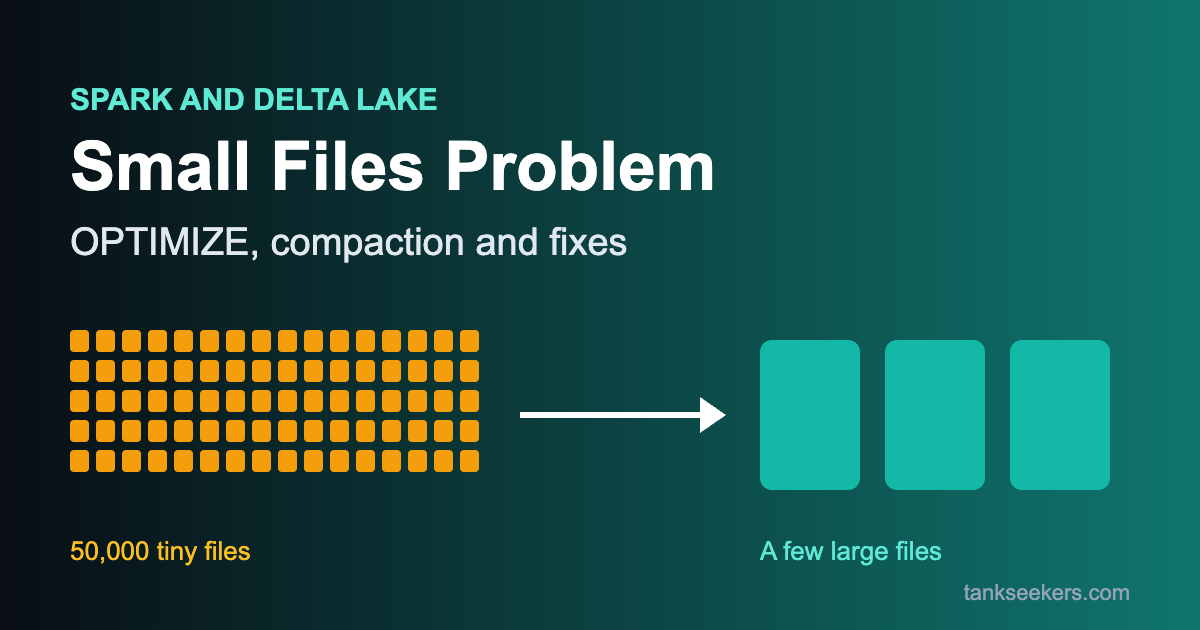
Your Spark job read just 20 GB of data, but it took 40 minutes. You open the storage folder and see 50,000 files, most of them only a few KB in size. Congratulations – you have met the small files problem.
This is one of the most common questions in data engineering interviews, especially for PySpark, Databricks and Delta Lake roles. Let’s break it down in simple words: what it is, why it happens, how to find it and how to fix it.

This table holds 20 GB of data. Change how many files it is split into and watch the cost of opening them grow.
What is the small files problem?
Spark, Hive, Delta Lake and most data lakes store tables as many files (usually Parquet). The small files problem means a table has a very large number of very small files instead of a reasonable number of medium or large files.
Think of it like a library. Reading one 500-page book is quick. Reading the same 500 pages spread across 500 separate thin booklets is slow – you spend more time finding, opening and closing booklets than actually reading.
Why is the small files problem bad for Spark?
- Opening cost for every file: Each file needs a separate open, read of the footer/metadata and close. Spark even models this – the setting
spark.sql.files.openCostInBytes(default 4 MB) treats every file open as if it costs reading 4 MB of data. - Too many tasks: Many tiny files can create many tiny tasks. Task scheduling overhead becomes bigger than the actual work.
- Slow query planning: Spark must list all the files. In Delta Lake, every file is also tracked in the transaction log, so huge file counts make the log and planning slower.
- Poor compression and data skipping: Parquet compresses better and keeps more useful min/max statistics when files are larger.
- Cloud storage cost: Object stores like S3 and ADLS charge per request, so more files can also mean more API calls.
What causes the small files problem?
- Too many partitions at write time: Spark writes at least one file per task. After a shuffle, the default
spark.sql.shuffle.partitionsis 200, so even a tiny DataFrame can produce 200 files. - Over-partitioning with partitionBy: Partitioning by a high-cardinality column (like
customer_idor a timestamp) creates thousands of folders, each with tiny files. - Frequent small writes: Streaming jobs and micro-batches that run every few seconds or minutes add a few small files each time.
- Frequent MERGE, UPDATE and DELETE: In Delta Lake, these operations rewrite files and can leave many small ones behind.
- Mistakes like repartition(10000) on a small dataset.
How to detect small files
First, check how many files you have and their average size. For a Delta table, DESCRIBE DETAIL gives you this directly:
-- Delta Lake: shows numFiles and sizeInBytes
DESCRIBE DETAIL sales;

-- Average file size (MB) = sizeInBytes / numFiles / 1024 / 1024
For plain Parquet, you can count the distinct files Spark reads:
from pyspark.sql.functions import input_file_name

df = spark.read.parquet("/data/sales")
num_files = df.select(input_file_name()).distinct().count()
print("Number of files:", num_files)
A simple rule of thumb: if the average file is just a few MB (or KB), you have a small files problem. Many teams aim for files of roughly 128 MB to 1 GB, depending on table size.
Fix 1: Control the number of files when writing
The cheapest fix is to not create small files in the first place. Reduce the number of partitions just before writing.
# coalesce: reduces partitions without a full shuffle (cheap)
df.coalesce(8).write.mode("overwrite").parquet("/data/sales_clean")

# repartition by the partition column: roughly one file per date folder
(df.repartition("sale_date")
   .write.mode("overwrite")
   .partitionBy("sale_date")
   .parquet("/data/sales_by_date"))
Interview tip: coalesce() is cheaper because it avoids a full shuffle, but it can create uneven partitions. repartition() does a full shuffle but gives evenly sized output. If you write with partitionBy, repartitioning on the same column first avoids many small files in each folder.
In Spark SQL, you can do the same with hints:
INSERT OVERWRITE TABLE sales_clean
SELECT /*+ REBALANCE(sale_date) */ *
FROM sales_raw;

-- Other hints: /*+ COALESCE(8) */ and /*+ REPARTITION(8, sale_date) */
Fix 2: Let AQE merge small shuffle partitions
Adaptive Query Execution (AQE) is on by default since Spark 3.2. This is the easiest way to reduce the small files problem after a shuffle. One of its features is coalescing small shuffle partitions after a shuffle, so you do not get 200 tiny partitions from a small dataset.
spark.conf.set("spark.sql.adaptive.enabled", "true")
spark.conf.set("spark.sql.adaptive.coalescePartitions.enabled", "true")
# Target size for merged partitions (default 64 MB)
spark.conf.set("spark.sql.adaptive.advisoryPartitionSizeInBytes", "128m")
# By default Spark favours parallelism and ignores the advisory size;
# set this to false if you want it to aim for the advisory size
spark.conf.set("spark.sql.adaptive.coalescePartitions.parallelismFirst", "false")
On the read side, Spark already packs small files together into one read partition up to spark.sql.files.maxPartitionBytes (default 128 MB). This helps, but it does not remove the listing and open cost of each file.
Fix 3: Compact Delta tables with OPTIMIZE
If small files already exist in a Delta table, run OPTIMIZE. It uses bin-packing: it groups small files together and rewrites them as fewer, larger files. According to the Delta Lake blog, the default target is about 1 GB per file (config spark.databricks.delta.optimize.maxFileSize).
-- Compact the whole table
OPTIMIZE sales;

-- Compact only recent partitions (WHERE works on partition columns)
OPTIMIZE sales WHERE sale_date >= '2026-11-01';

-- Compact and co-locate data for better data skipping
OPTIMIZE sales ZORDER BY (customer_id);
from delta.tables import DeltaTable
dt = DeltaTable.forName(spark, "sales")
dt.optimize().where("sale_date = '2026-11-20'").executeCompaction()Important points that interviewers love:
- OPTIMIZE does not change data. It only rearranges files. The commit marks files with
dataChange = false, so streaming readers know nothing new was added. - Bin-packing OPTIMIZE is idempotent – running it twice on the same data has no extra effect. Z-ORDER is not idempotent; it rewrites files again each time.
- Old small files are not deleted immediately. They are removed from the transaction log (so time travel still works), and are physically deleted later by
VACUUMafter the retention period.
-- Remove old unreferenced files (default retention is 7 days)
VACUUM sales RETAIN 168 HOURS;
Fix 4: Optimized writes and auto compaction (Databricks)
On Databricks, you can ask Delta to handle file sizes automatically:
- Optimized writes shuffle data before writing so each partition gets fewer, bigger files.
- Auto compaction runs a small compaction after a write finishes, on the files that were just written.
ALTER TABLE sales SET TBLPROPERTIES (
  'delta.autoOptimize.optimizeWrite' = 'true',
  'delta.autoOptimize.autoCompact'   = 'auto'
);
Databricks documentation says these are always enabled for MERGE, UPDATE and DELETE operations, and that the target file size is auto-tuned based on table size if you do not set delta.targetFileSize. Behaviour can differ between runtime versions and for Unity Catalog managed tables, so check the docs for your environment.
Fix 5: Design better partitions
Finally, most of the small files problem starts with the table design itself. For example, partitioning by a high-cardinality column creates thousands of tiny folders. For a deeper comparison, read our guide on partitioning vs bucketing in Spark.
- Partition by low-cardinality columns such as
dateorcountry, notuser_id. - Avoid partitioning small tables at all. A table under about 1 TB often does not need partitioning in Delta.
- For streaming, use a larger trigger interval when real-time latency is not needed, and schedule OPTIMIZE regularly.
Pick the situation that matches your job. You get the right fix and a starter snippet.
How to answer this in an interview (30-second version)
If an interviewer asks about the small files problem, keep the answer short and structured. In addition, always mention one prevention step and one cleanup step.
"The small files problem happens when a table has many tiny files. It slows Spark down because of file listing, open cost, too many tasks and large metadata. I prevent it at write time using coalesce or repartition, AQE partition coalescing and sensible partitioning. For existing Delta tables I run OPTIMIZE (with ZORDER if needed) and VACUUM, and on Databricks I enable optimized writes and auto compaction."
Key takeaways on the small files problem
- Many tiny files = more overhead than real work.
- Main causes: too many partitions, high-cardinality partitionBy, streaming and frequent MERGE/UPDATE.
- Prevent: coalesce/repartition before write, REBALANCE hint, AQE.
- Cure: Delta OPTIMIZE (bin-packing), then VACUUM to clean up.
- Automate: optimized writes and auto compaction on Databricks.
FAQ
1. What is a good file size in Spark/Delta?
There is no single answer, but roughly 128 MB to 1 GB per file works well for most tables. Delta OPTIMIZE targets about 1 GB by default.
2. Is coalesce or repartition better for fixing small files?
Use coalesce when you only need to reduce partitions cheaply. Use repartition when you need evenly sized files or want to repartition by a column before partitionBy.
3. Does OPTIMIZE delete my old files?
No. It removes them from the transaction log. VACUUM physically deletes them only after the retention period.
4. Will OPTIMIZE break my streaming job that reads the table?
No. Delta marks compaction commits with dataChange = false, so readers do not treat them as new data.
5. What is the difference between OPTIMIZE and ZORDER?
OPTIMIZE compacts small files into bigger ones. ZORDER BY additionally sorts related data together so queries can skip more files.